
From interest in a program to enrolment follow-up.
Connect campaigns, admissions conversations and support for every applicant.
Book a meetingThe process
- 1
Program and mode
The program, mode and term of interest are logged for admissions.
- Applicant
- I'm interested in Systems Engineering, evening classes, starting in January.
- LeadScout
- Logged program, mode and term.
- Next step
- Admissions contacts the applicant.
- 2
Requirements
Requirements, documents and dates stay in the applicant's history.
- Applicant
- Attached is my high school diploma.
- Bridge
- Document attached to the applicant's history.
- Next step
- Admissions reviews the requirements.
- 3
Enrolment
Enrolment questions reach the right team with the applicant's context.
- Applicant
- Until when can I pay the enrolment fee?
- ServiceDesk
- Answered with the calendar configured by the institution.
- Next step
- Finance handles questions about payment options.
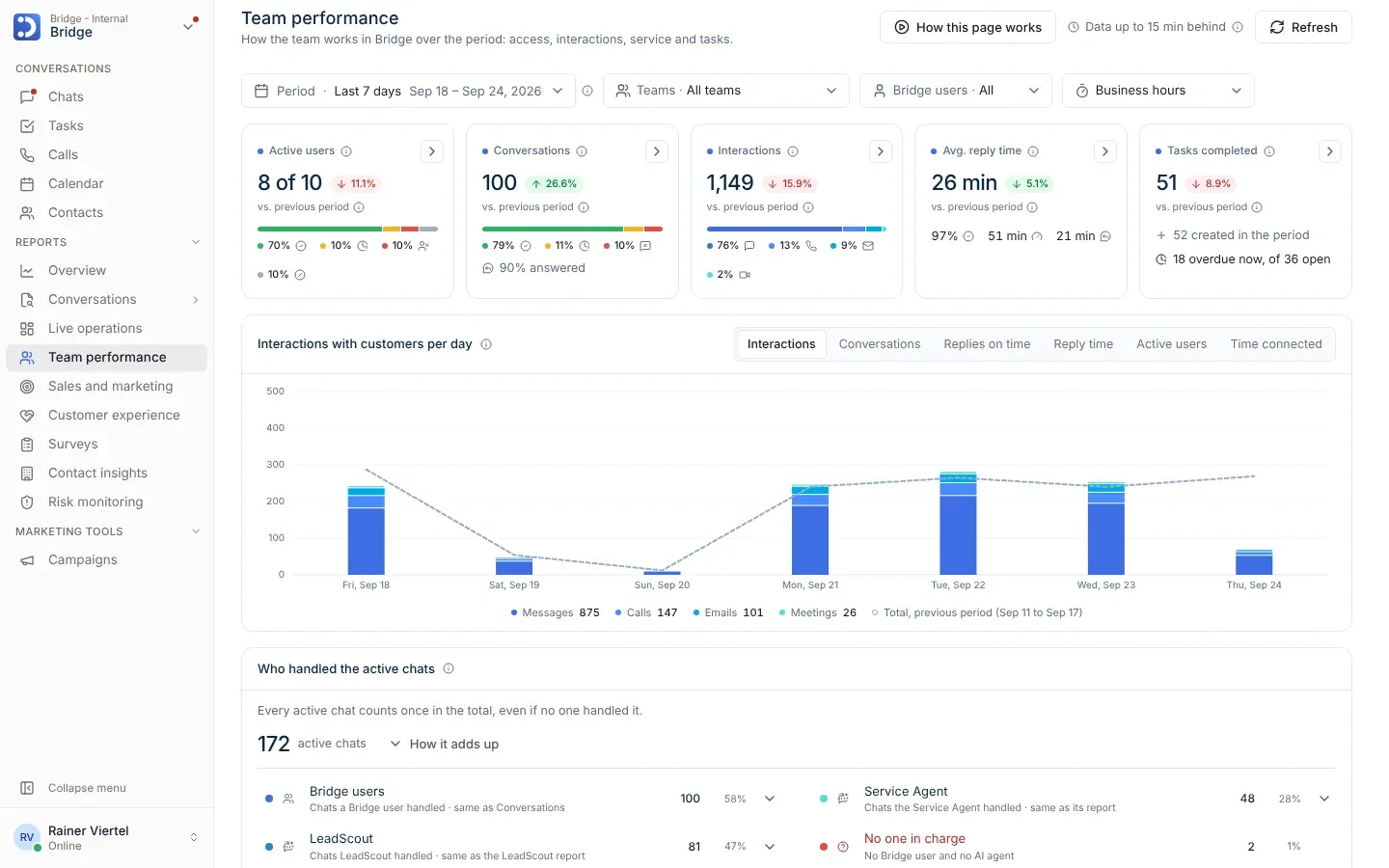
In the reports
- Which campaigns bring applicants who enrol
- Applicants by admission stage
- Enrolment inquiries answered and pending
app.bridge.new
Industry questions
Can I see which campaign each applicant came from?
Yes. Reports show the applicant's source and how they move toward enrolment. Admission and financing decisions belong to the institution.
What happens if an applicant's advisor changes?
The new advisor reviews the history and continues the follow-up.
Other industries
- AutomotiveA lead from an ad that reaches the test drive and comes back for service.
- Real estate and constructionA buyer who spends months between visits, documents, signing and after-sales.
- Banking and financial servicesAn executive serving their client on the institution's channels.
- InsuranceA policyholder who gets a quote, reports a claim and renews with the same advisor.
- HospitalityA booking inquiry that ends in a corporate event.
Let's talk about making every relationship more profitable.
Let's review your sales follow-up, your customers' experience and the productivity opportunities with Bridge.
Book a meetingOpen inClaudeChatGPTPerplexity