
Bridge vs. Leadsales
Identify customers who are still waiting for a reply.
Compare Bridge and Leadsales to find customers waiting for a reply. Distinguish inbox views, analytics and each owner’s follow-up tools.
The case
The customer messages again because they are still waiting for the promised instructions. Leadsales’ “Sin gestionar” metric does not measure that wait: another customer message can remove the lead from the count. That does not mean the chat disappears or that Leadsales has no other follow-up views. Compare where managers can find the current wait in each product.
Why choose Bridge
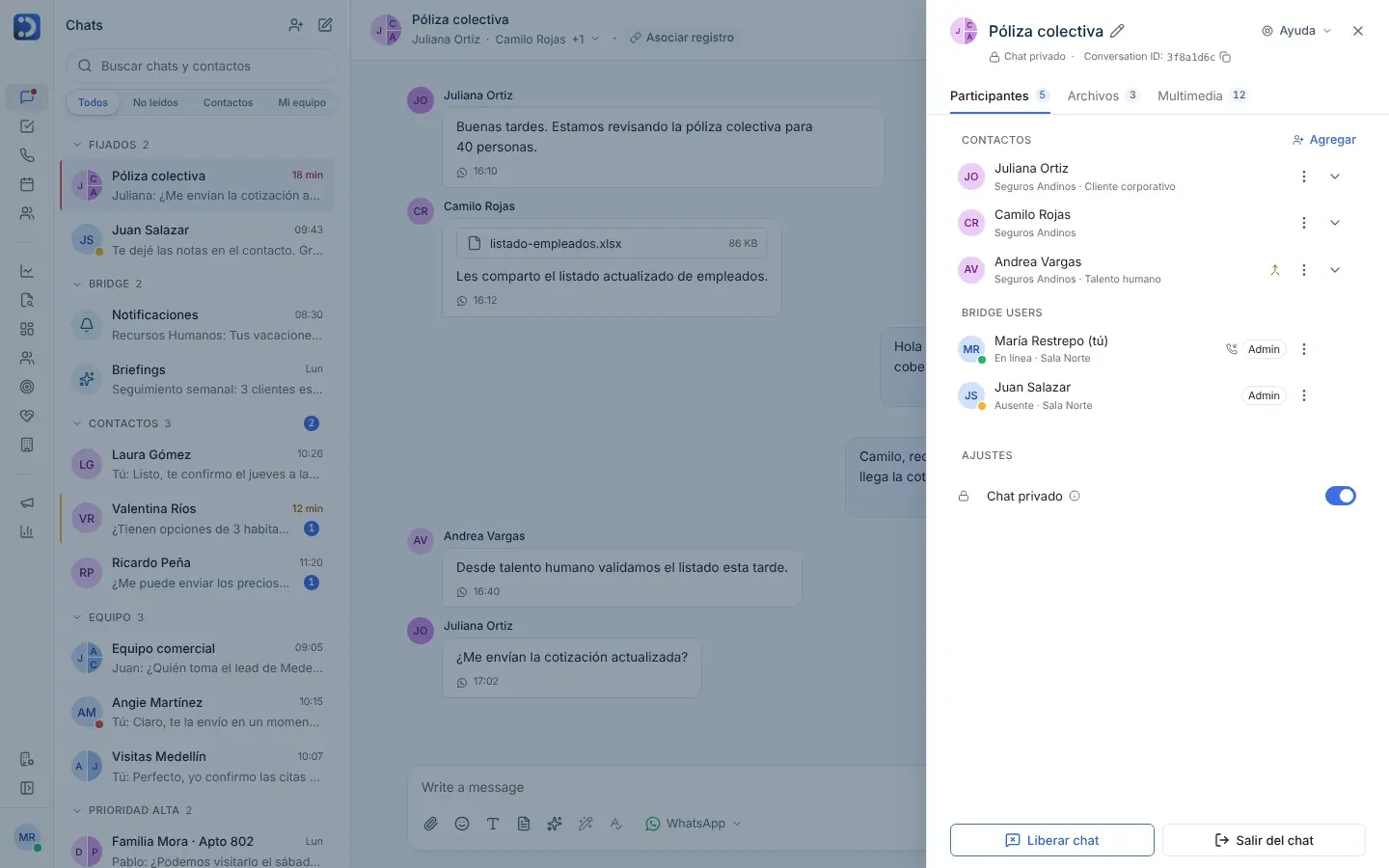
In Bridge, pending replies and Live Operations help identify conversations that need attention.
An authorized team member can open the history, check the owner and continue follow-up. If the implementation includes stage-change actions, confirm their availability and scope before adding them to the process.
Five steps in the same case
Each marker represents one step. Open the detail to see what each platform covers, which conditions apply and the source.
Symbol key
- In the product
- Requires configuration
- Through an integration
- Documented scope limitation
- Not documented
1Find the customer’s chat by phone number
Bridge
In the productContacts can be searched by mobile number.
- Bridge:
- In the product
Leadsales
In the productThe inbox can search by name or phone number.
- Leadsales:
- In the product
2Check who owns the inquiry
Bridge
In the productThe contacts view identifies the advisor within the viewer’s permissions.
- Bridge:
- In the product
Leadsales
In the productThe chat identifies the user assigned to the lead.
- Leadsales:
- In the product
3Keep the wait visible when the buyer messages again
Bridge
In the productWaiting for reply checks who last messaged and whether the team replied.
- Bridge:
- In the product
Leadsales
Documented scope limitationUnmanaged metricThe definition of “Sin gestionar” removes a lead from the count when they message again, even without a rep’s reply. The limitation concerns that metric, not the existence of the chat or every service view.
- Leadsales:
- Documented scope limitation
- Scope:
- Unmanaged metric
4Inspect the current wait in management reporting
Bridge
In the productLive Operations shows current waits and the detail by person.
- Bridge:
- In the product
Leadsales
Documented scope limitationGeneral analyticsGeneral Analytics runs through yesterday. The seller also has a separate Today view.
- Leadsales:
- Documented scope limitation
- Scope:
- General analytics
5Open the chat and reply to the customer
Bridge
In the productThe advisor can reply in the Bridge conversation.
- Bridge:
- In the product
Leadsales
In the productStaff can handle customer messages in the connected inbox.
- Leadsales:
- In the product
What this changes for your team
Managers can step in while the customer is still waiting and review what happened with the person responsible.
What to see in the meeting
Send two messages from the same contact without a team reply. As a manager, find the conversation, its owner and the current wait in each product. Then reply, change the stage and check which indicators update and when. Review the inbox, general analytics and salesperson views separately.
How pricing works
Leadsales
Plan subscription with additional seats and Lead Agent capacity as applicable.
Quote the same scenario: users, numbers, active customers, AI-agent activity, calls, messages, integrations, implementation and support. Billing units are not equivalent. Confirm currency, taxes, term and channel charges before comparing totals.
Buying question
Open a case where the customer wrote twice and check whether the company still owes a reply. The Leadsales comparison concerns its unmanaged count. It also offers other follow-up views.
Identify customers who are still waiting for a reply.
In Bridge, pending replies and Live Operations help identify conversations that need attention.
Book a meetingSecurity for your evaluation. In Bridge, configured rules flag conversations that may contain a risk. An authorized reviewer sees masked evidence and confirms or dismisses the case with a comment. View security · Trust Center (opens in a new tab)
Comparison method and scope
Prepared by Bridge using public documentation. Sources describe what each provider publishes; they do not replace a test of your setup. Compare the same case, plan, device and integration. Illustrative scenarios are not measured results or general limitations of another product. How to compare, in the guide