
Bridge vs. Callbell
Keep admissions agreements available after enrollment.
Compare Bridge and Callbell from admissions to student services: later agreements, calls, email and activities supported by HubSpot.
The case
Admissions agrees on a special start date and confirms it by email. After enrollment, another person serves the student. Compare how that later agreement is added to the history and retrieved by the team. An initial summary is not enough in either product: relevant communications and process updates need to be retained.
Why choose Bridge
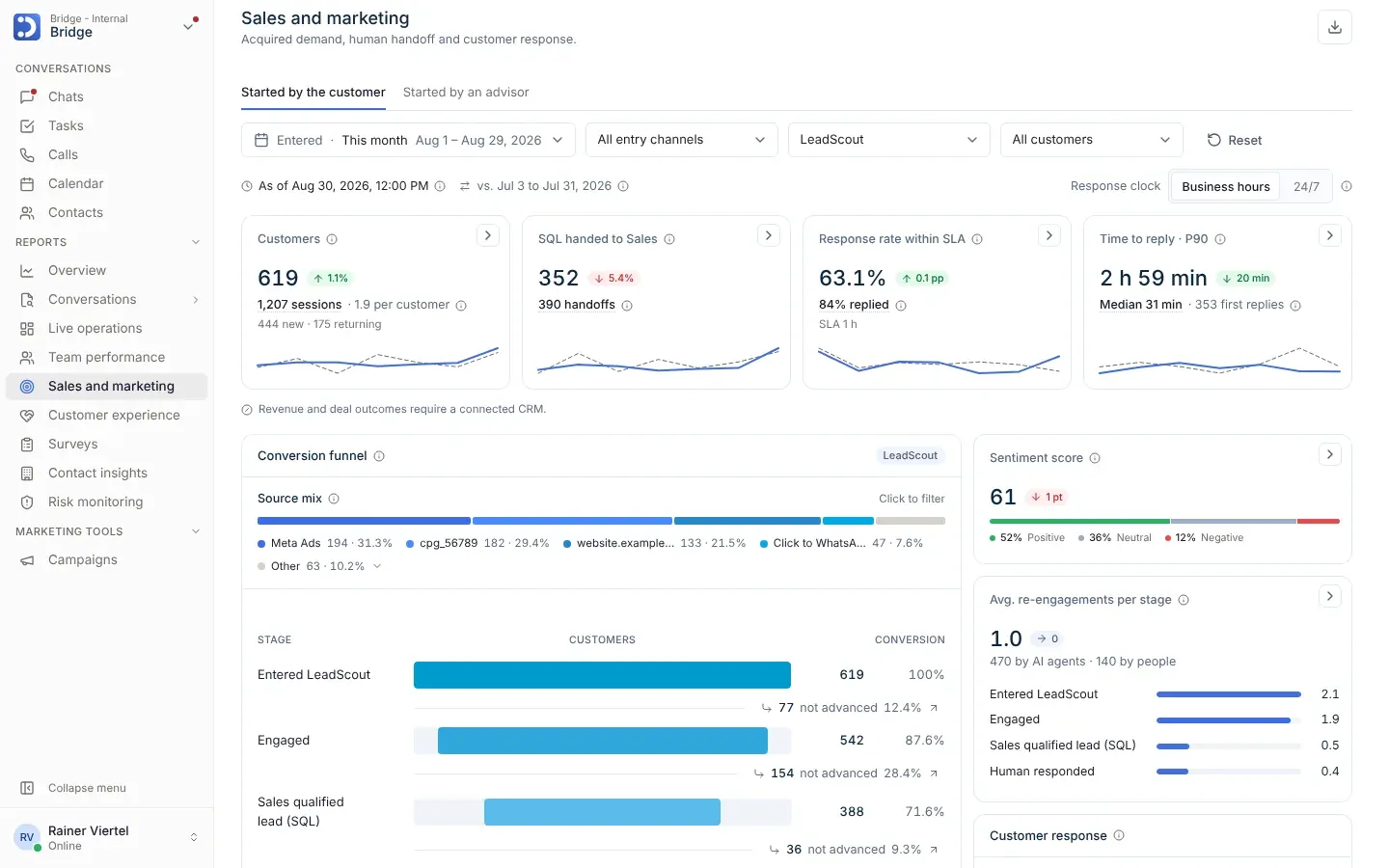
LeadScout hands over the context and admissions continues the conversation in Bridge.
The team can record communications and prepare the handoff to student services. If the implementation includes internal pipelines or automatic actions, confirm their scope. With HubSpot connected, activities and associations supported by the connector are shared. An authorized team member reviews the records before replying to the student.
Five steps in the same case
Each marker represents one step. Open the detail to see what each platform covers, which conditions apply and the source.
Symbol key
- In the product
- Requires configuration
- Through an integration
- Documented scope limitation
- Not documented
1Hand the qualified inquiry to admissions
Bridge
In the productLeadScout captures the configured requirements and hands their context to the advisor.
- Bridge:
- In the product
Callbell
Requires configurationThe AI agent can qualify and assign the chat with a summary under configured handoff rules.
- Callbell:
- Requires configuration
2Answer the applicant’s WhatsApp call
Bridge
In the productWith a compatible number enabled and permissions configured, the rep can take the WhatsApp call in Bridge.
- Bridge:
- In the product
Callbell
Requires configurationWith inbound calling enabled, the team receives the call in its calls inbox.
- Callbell:
- Requires configuration
3Email the agreed terms from the same customer history
Bridge
In the productThe advisor can send the email and retrieve it alongside the student’s conversation.
- Bridge:
- In the product
Callbell
Not documentedCallbell documents messaging and connectors. Ask to see the admissions email sent and retained in the same history.
- Callbell:
- Not documented
4Associate that email activity with the HubSpot deal
Bridge
In the productWith HubSpot connected, Bridge email activities can be associated with the contact, selected deal or both.
- Bridge:
- In the product
Callbell
Not documentedCallbell documents connectors with read and write access to contacts and deals. This case’s email and its association with the selected deal still need to be demonstrated; inability has not been established.
- Callbell:
- Not documented
5Leave the context for student services after enrollment
Bridge
In the productAnyone with access to the conversation can retrieve its recorded messages, documents and agreements.
- Bridge:
- In the product
Callbell
In the productThe team can save the agreed condition in an internal note visible to the people handling the chat.
- Callbell:
- In the product
What this changes for your team
The student gets a consistent answer when the owner changes. Student services can honor a commitment made before enrollment.
What to see in the meeting
Qualify an inquiry, agree on a new date after the handoff and confirm it through the chosen channel. Ask student services to find the later agreement, its author and the next step in each product. If you need native email or activity linked to a HubSpot deal, test each requirement separately with the configured integration.
How pricing works
Callbell
Callbell charges by user, with accounts and add-ons affecting the price. Request a quote for the AI agent and connector configuration you intend to use.
Quote the same scenario: users, numbers, active customers, AI-agent activity, calls, messages, integrations, implementation and support. Billing units are not equivalent. Confirm currency, taxes, term and channel charges before comparing totals.
Buying question
The agreement made after the initial inquiry. Ask student services to find the special term confirmed by email before replying to the student.
Keep admissions agreements available after enrollment.
LeadScout hands over the context and admissions continues the conversation in Bridge.
Book a meetingSecurity for your evaluation. In Bridge, configured rules flag conversations that may contain a risk. An authorized reviewer sees masked evidence and confirms or dismisses the case with a comment. View security · Trust Center (opens in a new tab)
Comparison method and scope
Prepared by Bridge using public documentation. Sources describe what each provider publishes; they do not replace a test of your setup. Compare the same case, plan, device and integration. Illustrative scenarios are not measured results or general limitations of another product. How to compare, in the guide